Blackbaud Financial Edge NXT®
Advance Your Mission with AI-Powered Financial Management


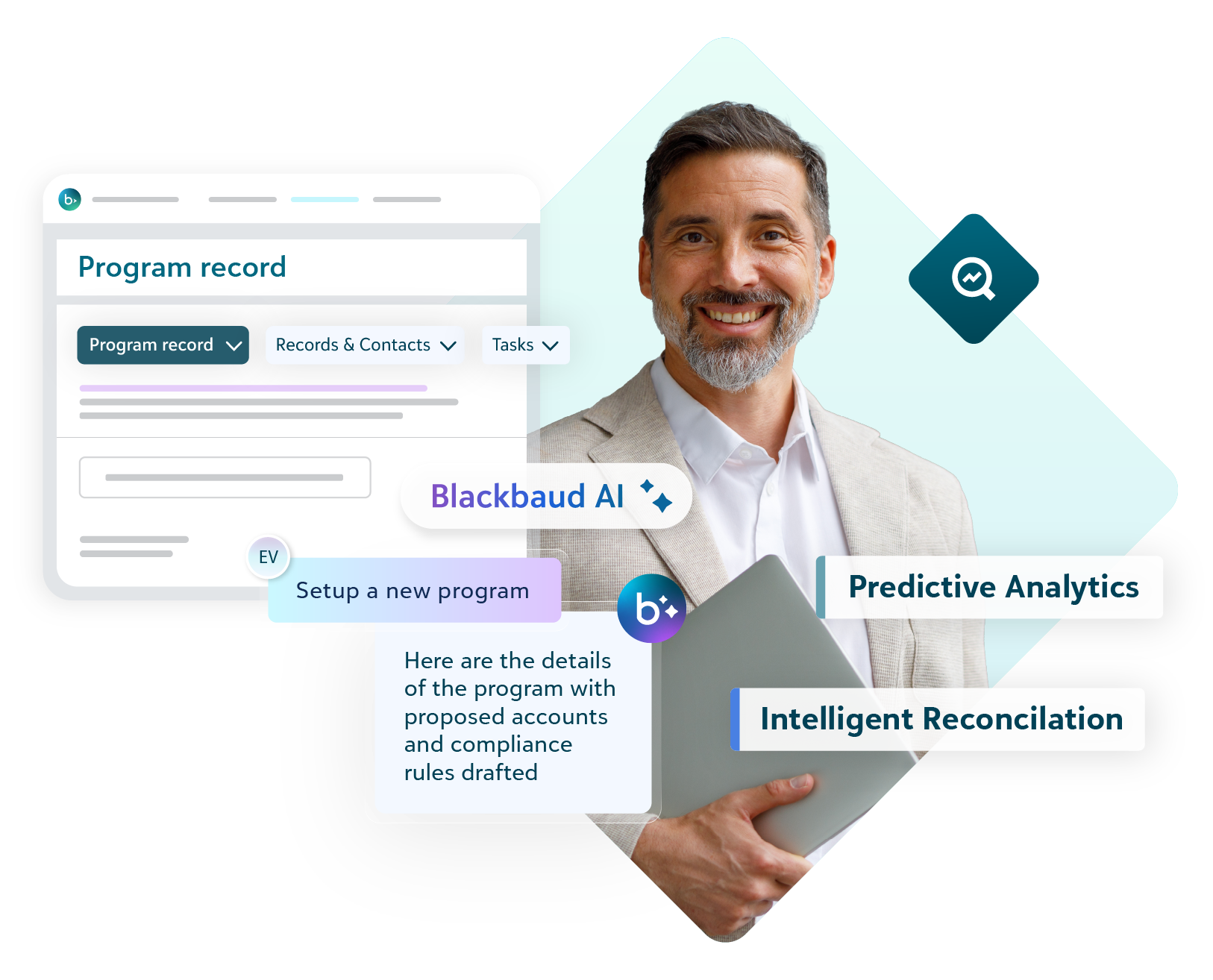
Transform your financial operations to drive more impact.
Hours Back Every Week
Speed time to close with AI-automated reconciliation.
AI-Driven Insights
Accelerate data to decision timelines.
Unmatched Accountability
AI-powered compliance tools enforce purpose and restriction.

See How Financial Edge NXT Delivers Purpose‑Built Fund Accounting for Nonprofits.
This video offers a brief look into the powerful capabilities available in Financial Edge NXT.
AI-Driven Financial Management Software.
A fund accounting system built for organizations like yours helps you stay compliant, maximize fund utilization, and build trust with funders and donors.
Compliance
Compliance
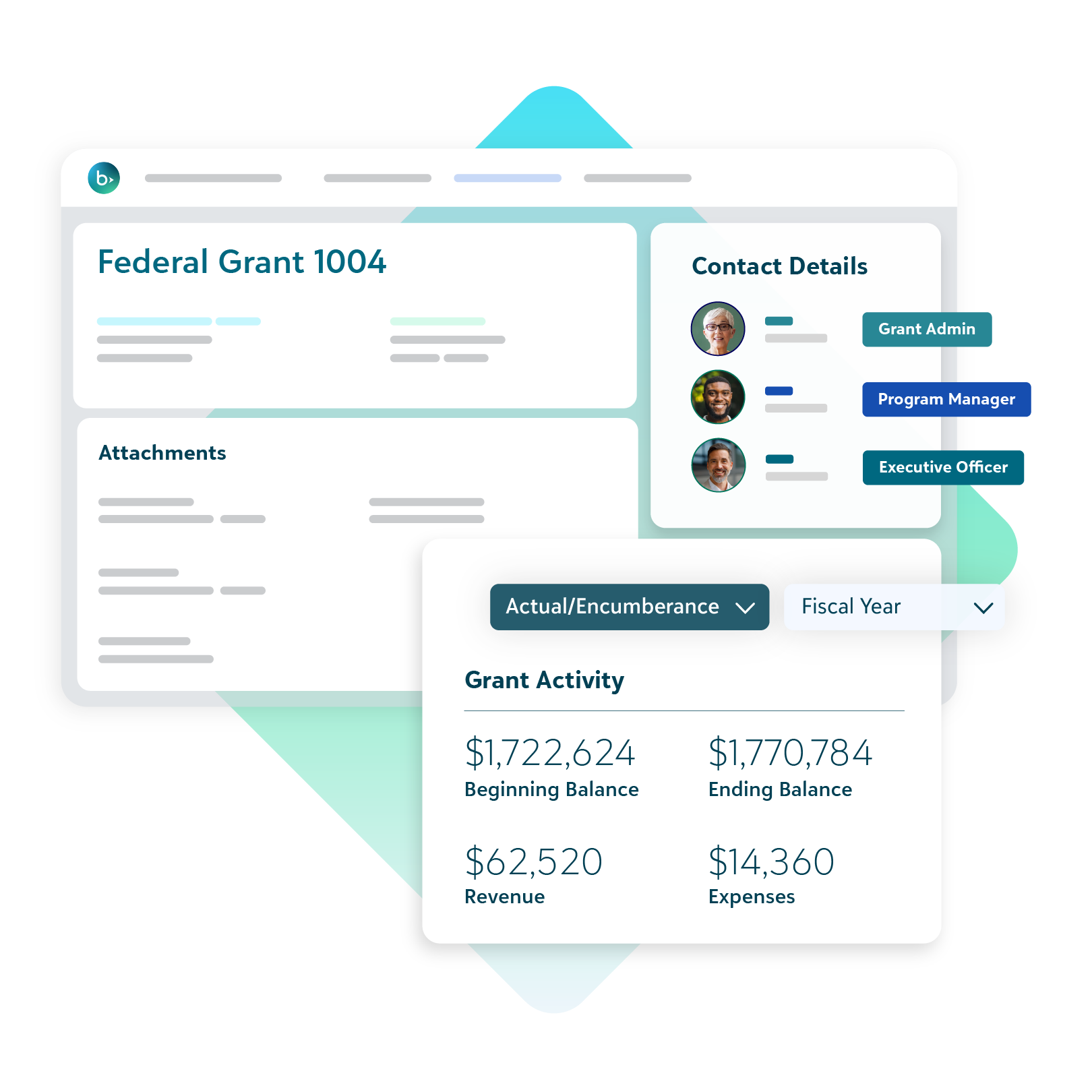
Get the level of detail you need to easily track restricted funds and provide detailed reporting to your funders.
-
Automated workflows and AI-powered processes can easily handle the complexity of restricted funds
-
Fund accounting software built for nonprofits alleviates clunky workarounds or manual fixes.
-
Track grants, projects, and endowments in granular detail with flexible subfund functionality
-
Create a single source of truth for all of your revenue sources
Stewardship
Stewardship
Build donor trust and demonstrate accountability with real-time gift insight and subfund tracking.
-
Show donors their impact and answer gifting questions without waiting on manual reports
-
Manage restricted funding with ease without juggling dozens of spreadsheets
-
Connect with Blackbaud Raiser’s Edge NXT® to share compliant data faster across finance and fundraising teams
-
Automate reconciliation of gifts, fees, and deposits share for greater accuracy and audit-ready transparency Blackbaud Integrated Payments and Raiser’s Edge NXT
Internal Controls
Internal Controls
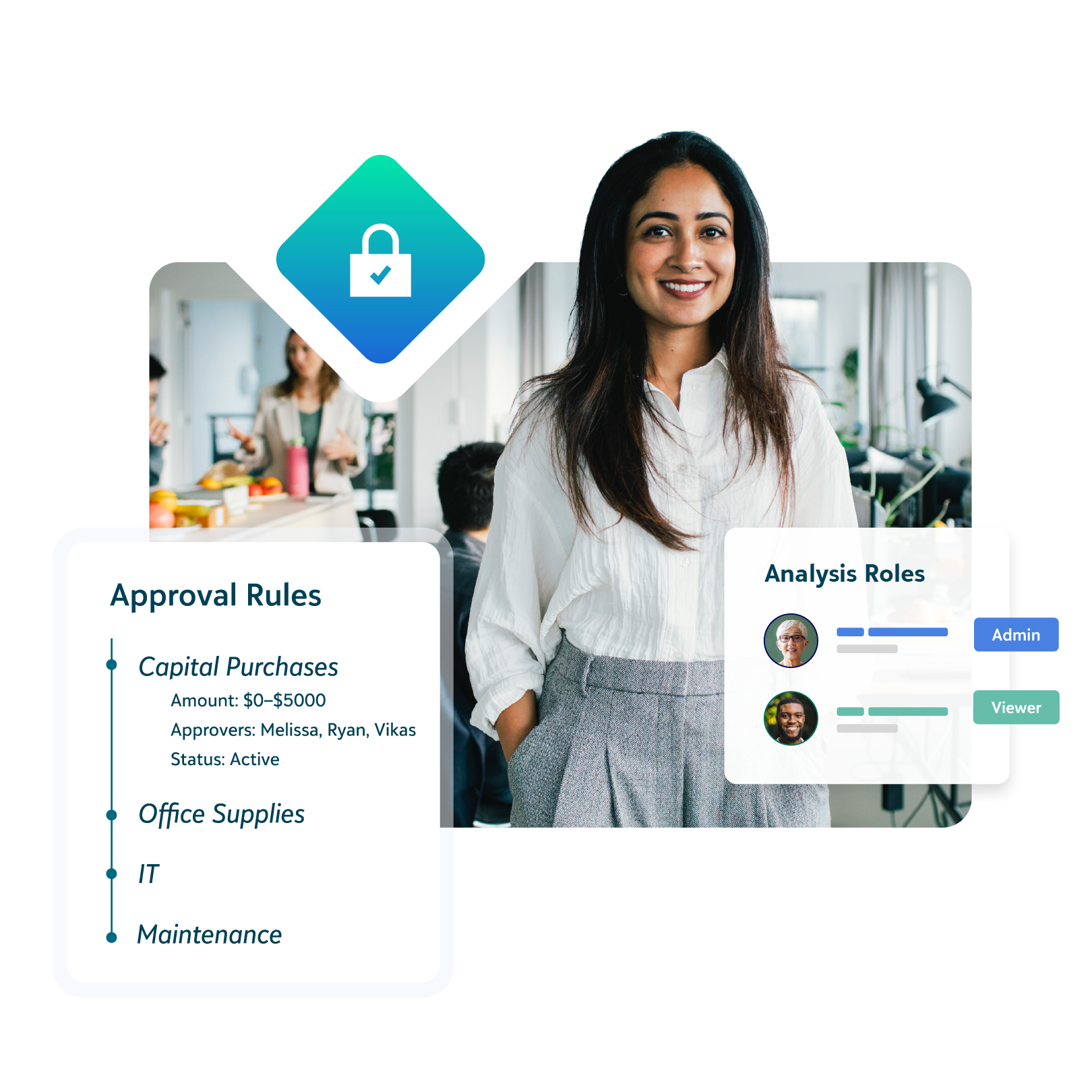
Ensure accuracy, safeguard funds, and improve efficiency with robust financial workflows and procedures.
-
Attach supporting documentation to transactions to create a strong audit trail
-
Connect with Blackbaud Raiser’s Edge NXT® to minimize manual data entry and improve accuracy
-
Role-based access to ensure team members see only what they need and enforce separation of duties
-
AI-powered anomaly detection and spending controls to prevent to over spending and restrict fund use
Transparent Reporting
Transparent Reporting
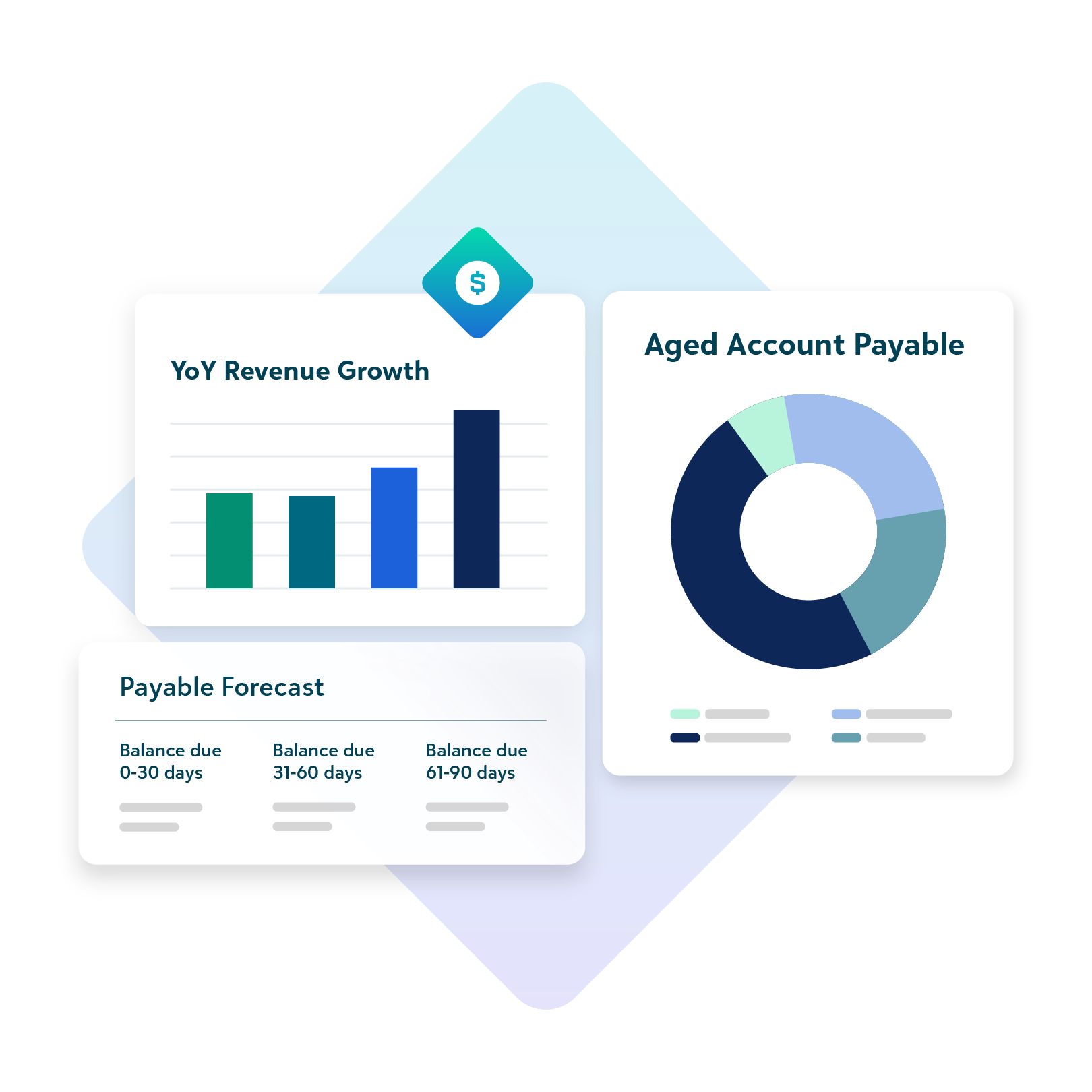
Save time and make data-driven decisions with customizable dashboards and reports.
-
Access real-time financial reports using built-in templates designed for nonprofits, and easily explore insights—including through AI-powered chat
-
Customizable dashboards to drill into the details so you can make data-driven decisions
-
View-only licenses reduce time spent responding to ad hoc reporting requests
-
Maintain a clean, standardized chart of accounts with guided insights that reduce errors and support audit-ready data
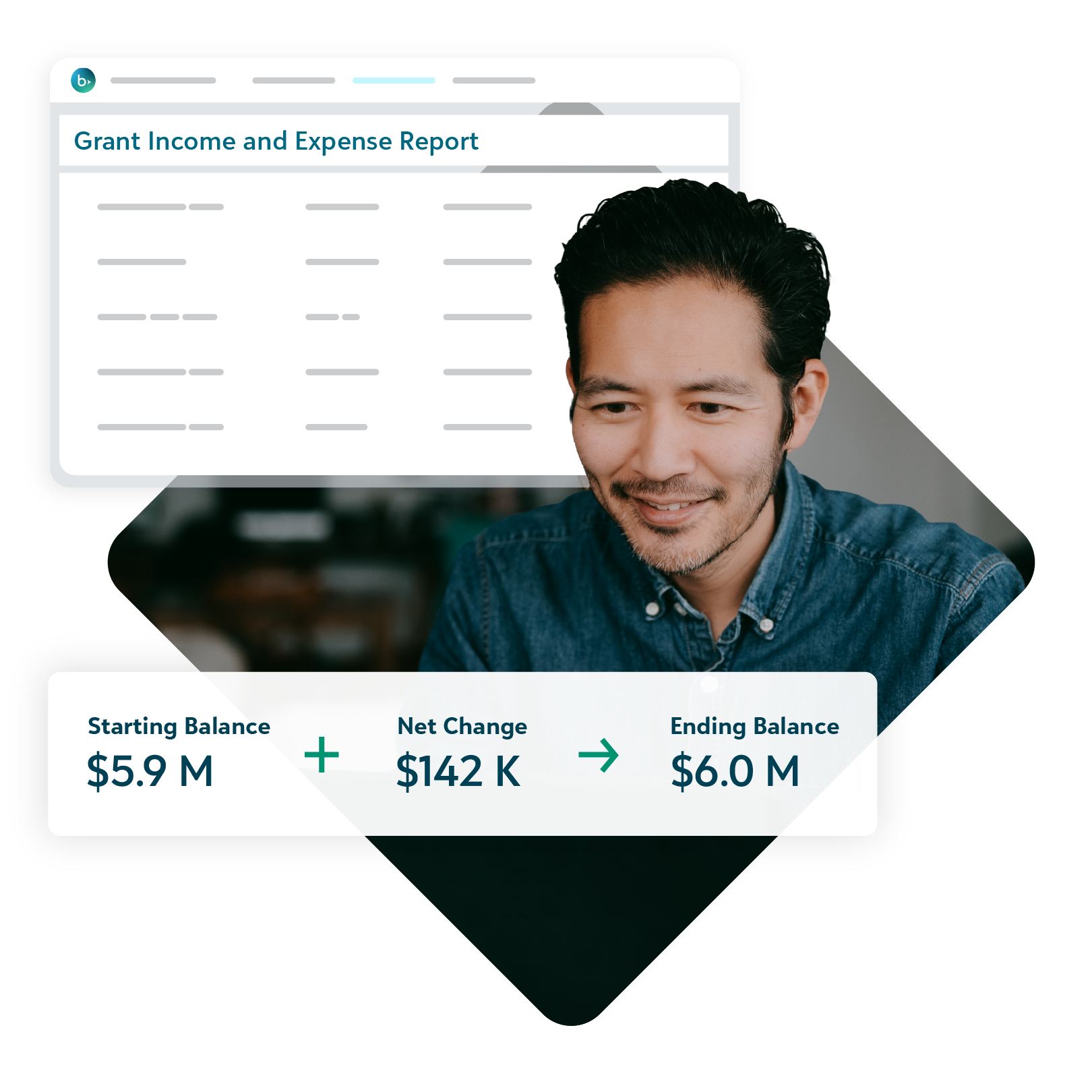
Automated Processes
Automated Processes
Save time, minimize errors, and accelerate operations with intelligent automation and built-in integrations.
-
Automate invoice capture and use Payment Assistant™ to streamline payments—eliminating manual entry, reducing paper checks, and helping you pay vendors faster
-
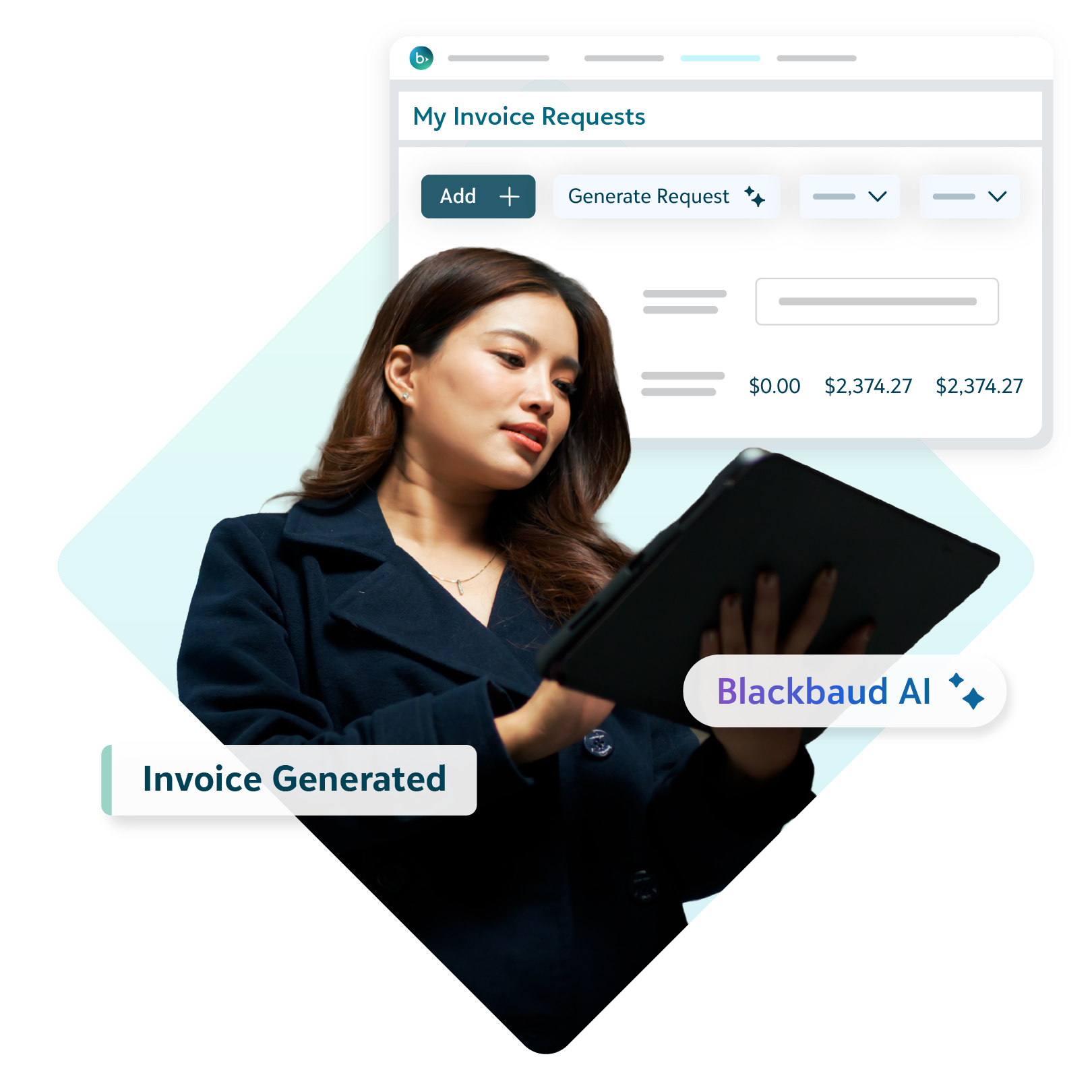
Bank and credit card reconciliation and AI-powered invoicing reduces errors and speeds time to close
-
Budget and report creation reduces time spent compiling, distributing, and consolidating reports and budget worksheets
-
Patented expense submission with automated routing rules and budget checking simplifies your expense management

Why Nonprofits Need Nonprofit Fund Accounting Software
Learn how nonprofit fund accounting software can save you time and ensure accurate nonprofit reporting.


Blackbaud Financial Edge NXT is my toolbox. It is the backbone of Community Health Center of Lubbock, as far as our financials.
Barbra Moore
Finance Director, Community Health Center of Lubbock




25%
increase in grant funding
More flexibility. More impact.
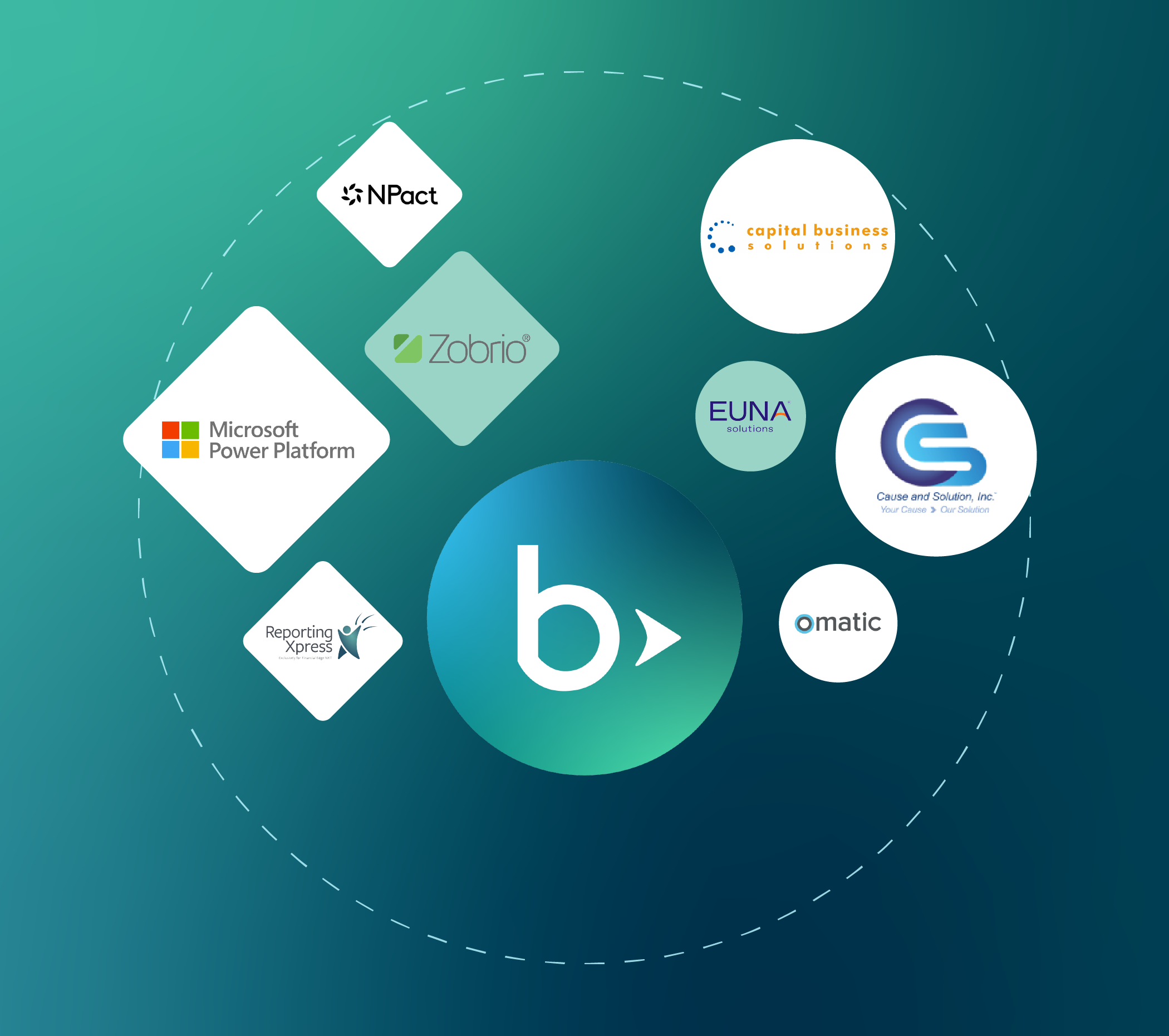
Amplify the value of Financial Edge NXT with a connected ecosystem of Blackbaud products or create your own integrations and automations.
-
Simplify your workflows by integrating Financial Edge NXT with other Blackbaud products, like Raiser’s Edge NXT and Tuition Management
-
Integrate with vetted tools for budgeting, payroll, HR, and reporting through the always-growing Blackbaud Marketplace
-
Create your own solutions with SKY Developer tools or automate with Microsoft Power Platform
Frequently Asked Questions
-
Financial Edge NXT uses a segmented chart of accounts to help maintain the consistency of your data. A segmented chart of accounts associates certain parts of your account string together and prevents associations of those that should not be linked. Learn more about a segmented chart of accounts.
-
Subfund accounting is a hierarchical structure within your general ledger that allows you to carry the revenue, expense, and equity related to a restricted fund. Valuable for endowments, grants, contracts, and agency funds, subfund accounting makes tracking the granular details of how funds were spent easier so you can ensure compliance and donor intent better than with traditional accounting systems. In addition to improving the clarity of your restricted revenue accounting, subfund records also help track programs and special projects funded by that restricted revenue. Using a record for each subfund allows you to track qualitative data, such as spending guidelines, key dates, and contact information, along with the detailed financial data.
-
While nonprofit and for-profit organizations share some foundational accounting principles, they diverge significantly in approach and purpose. Nonprofits emphasize accountability, fund segregation, and mission-driven financial transparency, whereas for-profits focus on unified systems and profitability for owners and shareholders.
Nonprofit organizations typically use a fund accounting system, which segregates financial resources into separate funds, each dedicated to specific purposes or programs. This separation allows nonprofits to track the financial performance and accountability of each fund independently. By contrast, for-profit businesses typically use a single accounting system to record all financial transactions, regardless of their purpose. Unlike nonprofit fund accounting, there is usually no need to separate funds for different purposes, as the primary goal of a business is to generate profits for its owners or shareholders.
Experience the difference.

Trusted Nonprofit Expertise
Blackbaud is the global leader in nonprofit technology. Our products are created by fund accounting experts, and it shows.

The Support You Need
You’ll get off to a smooth start with experienced implementation consultants.

Reliable Cloud Solutions
Our scalable cloud solutions grow with your organization and allow you to securely access your most important data from anywhere, on any device.
Schedule a demo
Take the next step toward your organization’s success with Blackbaud Financial Edge NXT. A Blackbaud expert will reach out to schedule a customized demo.
All fields required